
One wallet. Every chain.
Connect to 70+ chains without switching wallets.

Store, swap, send, and explore across 70+ chains. One wallet. All of web3.
Connect to 70+ chains without switching wallets.
Cross-chain swaps in seconds with the best routes.
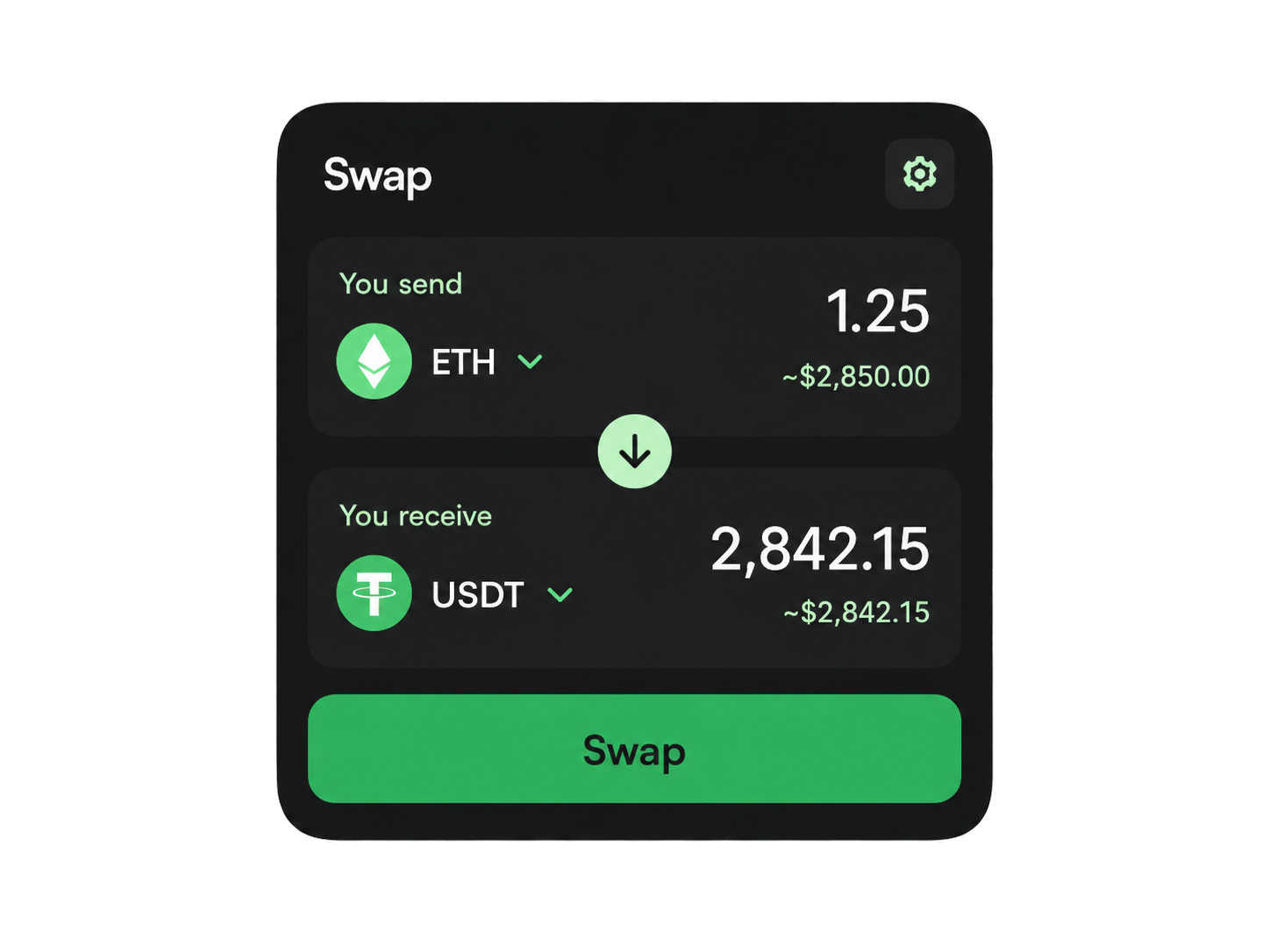
Discover NFTs, tokens, airdrops, and more, all in one place.

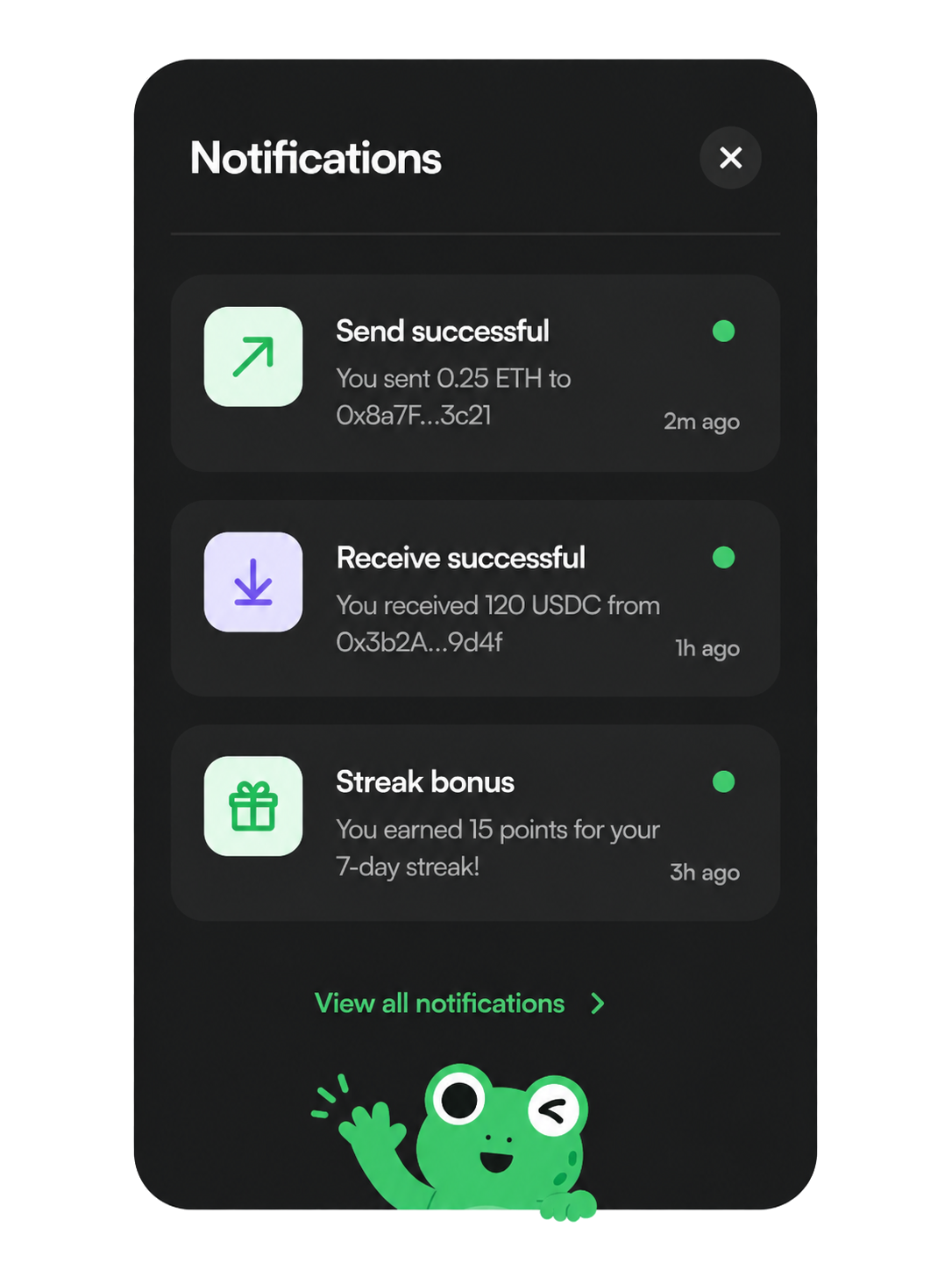
Real-time alerts, smart notifications, and portfolio updates.
Track your portfolio, manage assets, and move across chains, all from a beautiful, simple interface.
Open Leap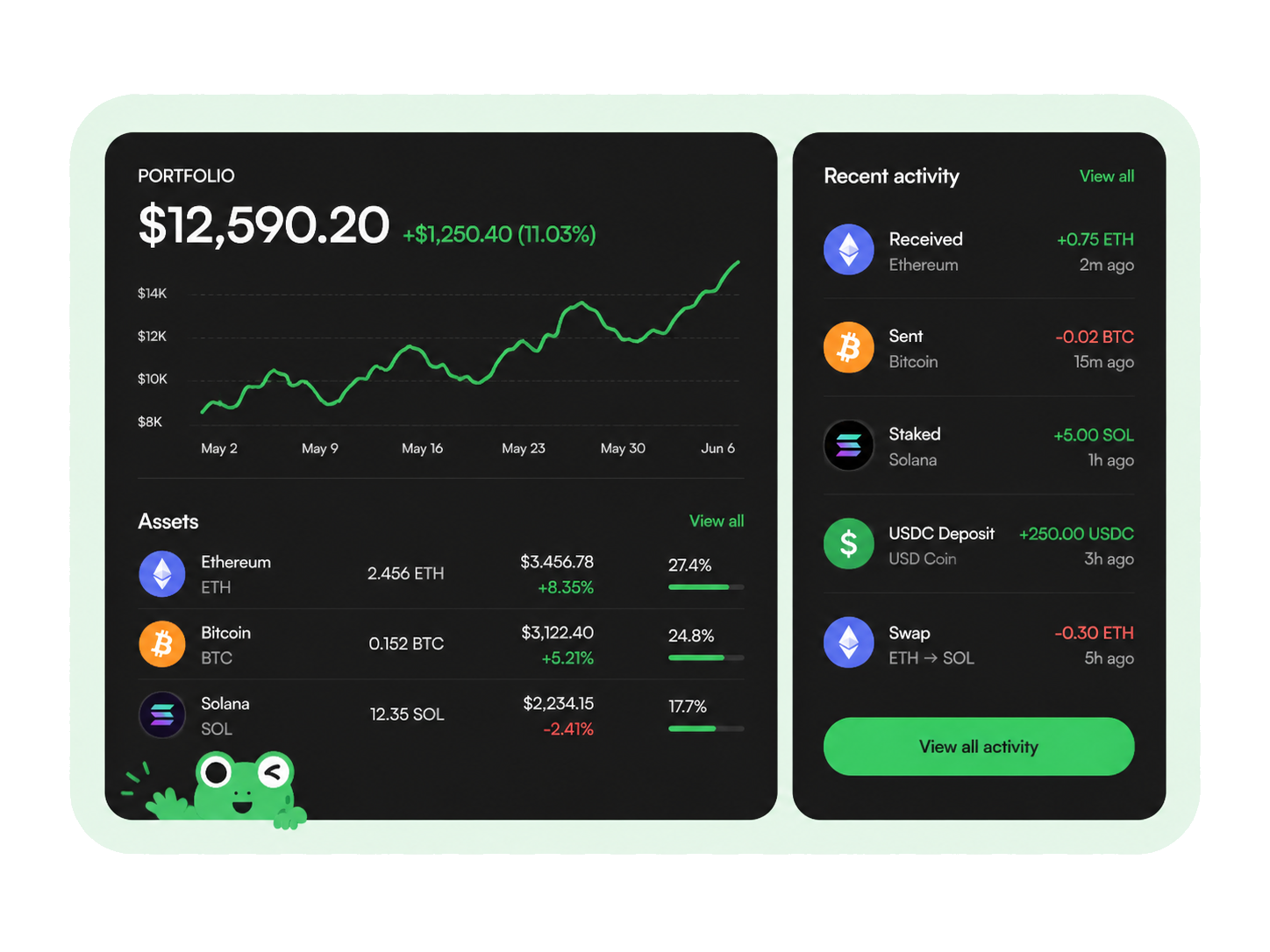
Leap Wallet helps Cosmos users manage crypto assets, NFTs, swaps, and staking activity. It also supports Web3 app connections through a clean, user friendly interface.
The wallet suits NFT collectors, DeFi users, long term holders, and people who work across multiple blockchain networks. Users can open the browser extension on desktop or use the wallet app on mobile. The product supports portfolio tracking, IBC transfers, wallet swaps, nft collections, and app connections for supported networks.
The Cosmos ecosystem includes many chains, apps, validators, NFT projects, and digital assets. A strong crypto wallet should help users move through that environment without relying on too many separate tools.
This Leap Wallet review focuses on the product experience. It covers portfolio visibility, Cosmos usability, NFT access, staking tools, swaps, and multichain support.
Users can check balances, connect to apps, manage assets, and review recent activity from one interface. This helps people comparing Cosmos wallets. It also supports users searching for leap cosmos wallet, leapwallet, or a crypto wallet for Web3 apps.

The Cosmos ecosystem includes many chains, apps, validators, NFT projects, and digital assets. A strong crypto wallet should help users move through that environment without relying on too many separate tools.
The wallet may support Cosmos assets and selected multichain networks, including SOL, ETH, BTC, and other supported assets.

The Leap Wallet extension gives desktop users quick access to supported Web3 apps. The leap wallet browser extension lets users review connection requests and approve transactions from the browser.
The Leap Wallet app gives users mobile access to balances, NFTs, apps, and portfolio activity. The leap wallet mobile app works well for people who want to check assets away from desktop. Users who search for iOS and Android wallet options often want simple mobile access. They want to manage digital assets across devices without extra steps.

The Leap Wallet dashboard helps users review crypto assets, staking positions, NFTs, and supported digital assets. A wallet designed for Web3 should make balances easier to understand. It should also help users review activity without extra clutter.

The wallet nft gallery helps collectors view nft collections and review owned items. Users can explore supported nft projects and open apps that display, transfer, buy, or sell NFTs. Before users sell NFTs, they should review collection details, trading volume, marketplace terms, app permissions, and fees.

Wallet swaps help users move between supported assets. IBC transfers also support movement across parts of the Cosmos ecosystem where available. The wallet may support Cosmos assets and selected multichain networks, including SOL, ETH, BTC, and other supported assets.

Start from the Leap Wallet website or verified product links. Users may also look for official project channels using searches such as leap wallet github, leap wallet twitter profile, or leap wallet x offical. These searches help users find official project channels. Users should check every link before they use it.
Users can open the browser extension or mobile app first. Then they can create a new wallet or import an existing one through the supported recovery process. As a non-custodial wallet, it gives users control over private keys and recovery phrases. This differs from custodial wallets, where a third party manages access.
To connect your wallet, open a supported app and select Connect Wallet. Then choose the wallet and review the request in the interface.

After connection, users can access apps, review NFTs, manage portfolio activity, use swaps, and explore staking actions where available.
The wallet helps users review staking rewards, validator options, and supported staking actions. Users should not treat rewards as guaranteed income. Rewards can change because of validator performance, network rules, token conditions, fees, and unbonding periods.
Ledger and ledger hardware wallets may be available for compatible workflows. Users who value transparency may also review official open source resources where available. For product questions, users should rely on Leap Wallet support and verified channels.
Crypto and NFT activity involves market, network, and transaction risk. Users should review permissions, routes, fees, and transaction details before confirming actions.
Review wallet swaps, IBC transfers, NFTs, staking tools, apps, and multichain digital assets in one place.
Connect your wallet to review assets, explore supported apps, manage nft collections, and continue with a clearer wallet workflow.
You control your keys. Always.
Regular audits and bug bounty programs.
Works with Ledger and more.
No tracking. No logs. No nonsense.
Join thousands of users already using Leap to move freely across chains.






 Celestia
 Aptos
Aptos Sui
Sui Movement